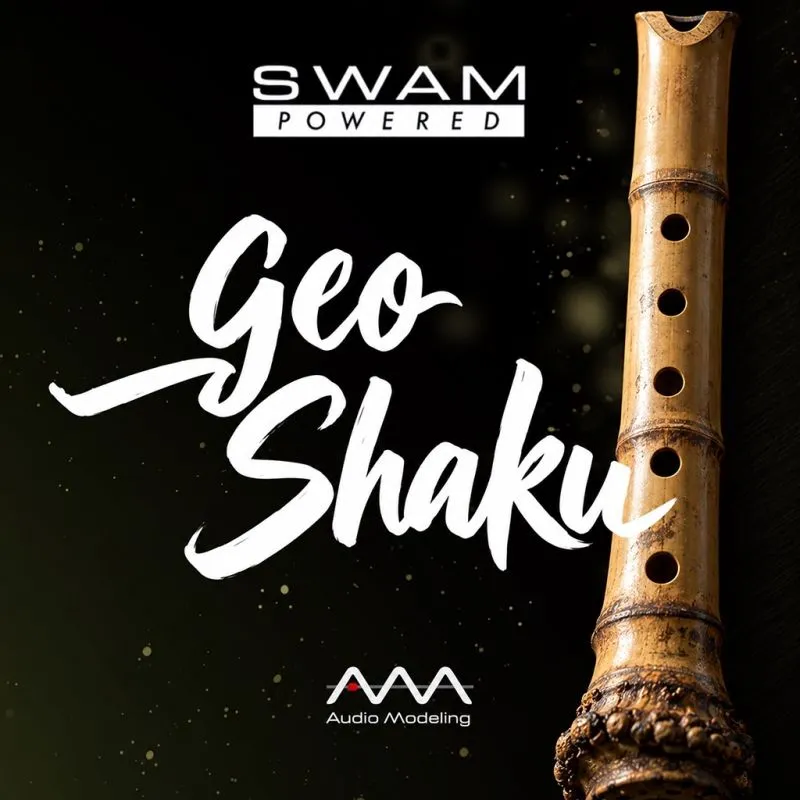

GeoShaku
Physically modeled for GeoShred Studio, GeoShaku's shakuhachi opens from a hush of breath to a strong, pitched cry as you lean in. Draw a finger along the grid and the wide bends that define the Japanese end-blown flute follow it, while airiness, vibrato, and attack are shaped by pressure and gesture in real time, with plenty of breath left in the tone by design.
It ships with 20 factory presets, including Meditation, Vowel, and Resonator. Works with MPE controllers, wind and breath controllers, and GeoShred Control, a free iPhone and iPad companion app that delivers a multi-touch expressive surface for live performance.
GeoShaku runs inside GeoShred Studio, with a license included for customers who do not already own one.
GeoShaku – Physically Modeled Shakuhachi for GeoShred Studio
A HUSH OF BREATH THAT GATHERS INTO A PITCHED CRY
On GeoShred Studio's multi-row continuous pitch surface, GeoShaku gives the shakuhachi's airy bamboo voice room to breathe. The lightest pressure produces almost pure breath with a hint of pitch inside it; press further and the tone gathers until it becomes the strong, focused cry that carries a honkyoku phrase. Pitch bends are wide and slow by tradition, and on GeoShred they are a finger drawn along a row, so a note can sag below pitch and rise back, or arrive from well beneath and settle. The Sympathetic Resonator in the integrated FX rack adds a halo and Reverb sets the flute in a still, open space, while Audio Modeling's SWAM engine models the notched bamboo tube and the air stream across its edge as the breath crosses it.
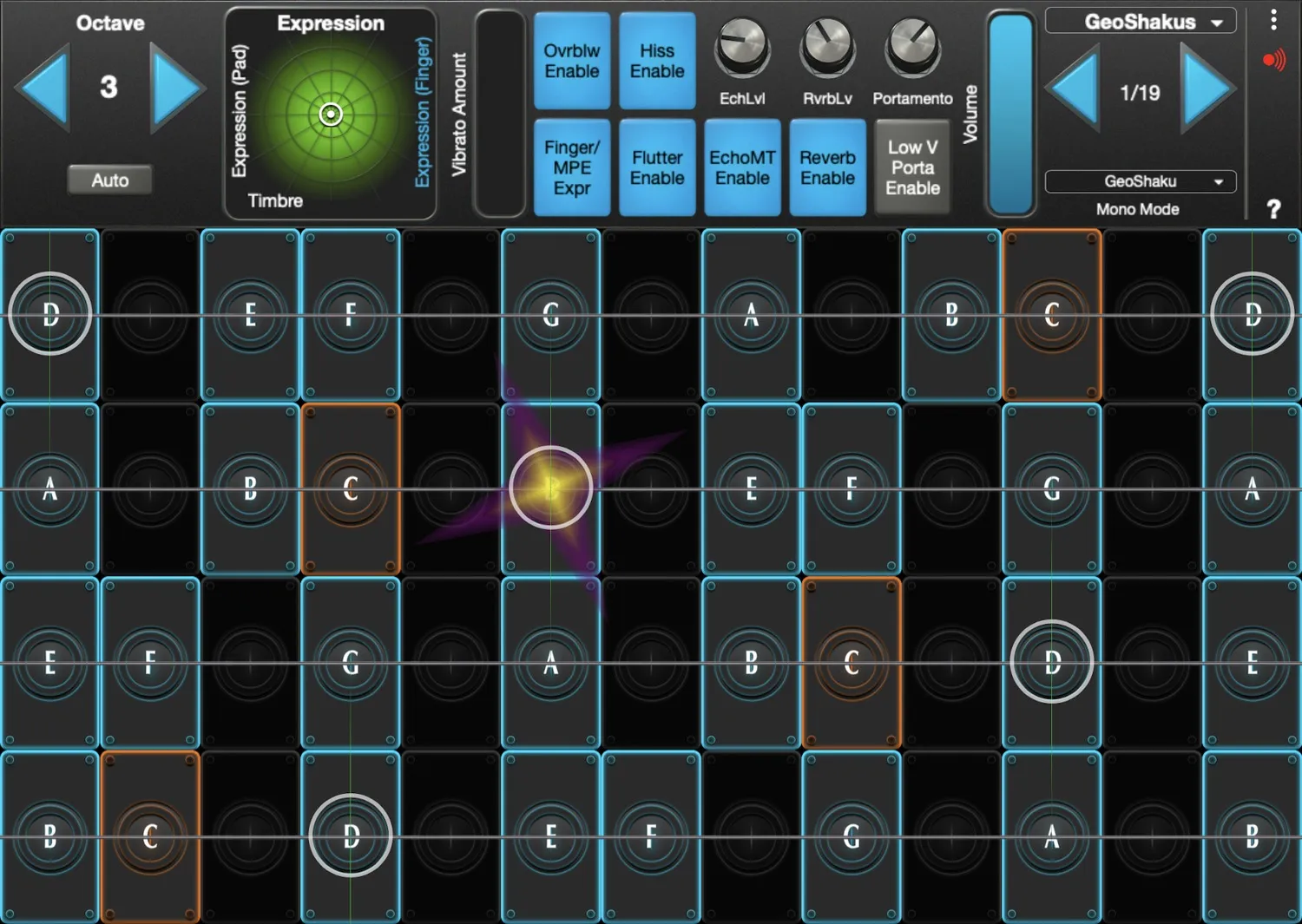
What's Inside GeoShaku:
- Continuous pitch surface across the shakuhachi's range, with the instrument's wide, slow bends and scoops played directly as finger motion along the isomorphic grid
- Breath-driven dynamics from near-silent air to a strong pitched cry, with airiness, attack, and vibrato under continuous pressure and gesture control
- 20 factory presets including Meditation, Vowel, and Resonator
- Integrated GeoShred FX rack including Sympathetic Resonator, EchoMT, Reverb, and AmpCab, from bare bamboo to a long, still space
- MPE controller, wind and breath controller, and GeoShred Control companion app support
- SWAM physical modeling by Audio Modeling: end-blown bamboo tube, notched edge, and breath noise modeled as the air crosses the edge
Notch, Bamboo, and Breath by Design
Airy and shaded, with the breath left audible in the tone on purpose: the shakuhachi is an end-blown bamboo flute with a notched blowing edge and five finger holes, four in front and one for the thumb. The player tilts the head to lower and darken the pitch or raise and brighten it, which is how the instrument's wide bends and shaded tones are produced, culminating in the explosive gust of muraiki. The repertoire of the Zen monks who played it as meditation gave the shakuhachi its contemplative identity. GeoShaku models that breath and that bend.
Breath Shaping and Pitch Bends
Where a Western flute phrase is a line of pitches, a shakuhachi phrase is a line of breath with pitches inside it. GeoShaku is built for that order of priority. Pressure on the surface is the breath: a slow increase lets a note condense out of air, and a sudden push produces the forceful burst that punctuates a traditional phrase. The lateral motion of the finger is the head tilt: a slow drift below a note and back reproduces the shaded, lowered color a player makes by covering the edge, and a wider sweep gives the long, falling bends that close a line. The Meditation and Vowel presets are natural starting points for this kind of playing.
GeoShred Studio and GeoShred Control
GeoShred Studio is moForte's professional desktop instrument platform, running as a VST3, AU, or AUv3 plugin inside your DAW or as a standalone application. Its continuous pitch surface and pressure response are a natural match for an instrument whose expression is almost entirely bend and breath, and its pitch rounding lets a note arrive from anywhere and still land in tune. Wind and breath controllers connect directly, and MPE hardware integrates natively.
GeoShred Control pairs with GeoShred Studio over USB or wireless MIDI, delivering a free multi-touch iOS surface for live performance alongside hardware controllers.
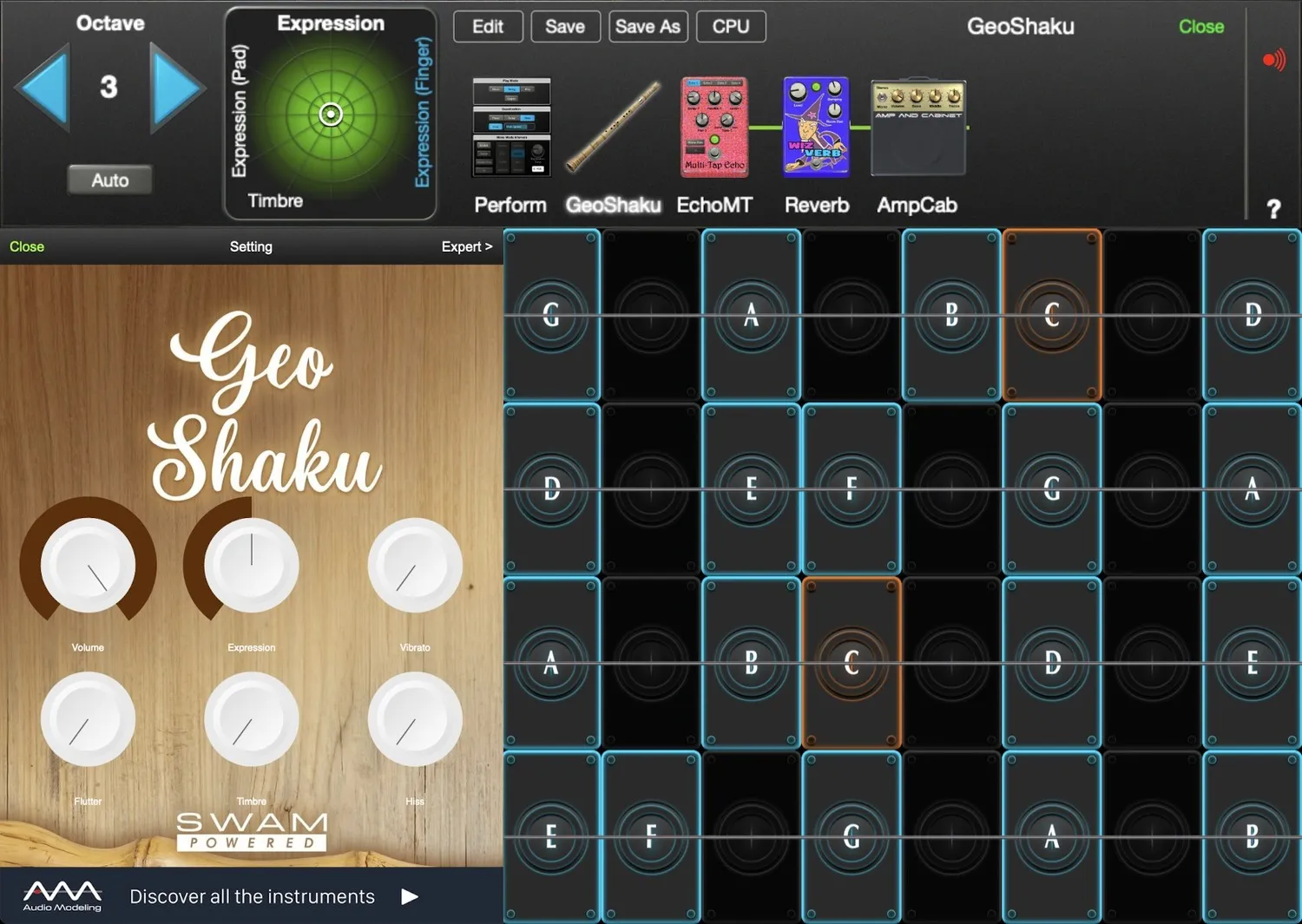
GeoSWAM vs. SWAM VariFlute
GeoSWAM instruments run inside GeoShred Studio and are built around GeoShred's expressive performance surface, including its multi-row grid, continuous pitch layout, pressure response, gesture control, and integrated FX rack. The instrument's core parameters are curated and mapped for immediate, real-time musical control within the GeoShred environment.
SWAM VariFlute is the Audio Modeling standalone instrument and plug-in from which GeoShaku is derived. It can operate independently or inside a DAW, and it is a configurable flute whose tube type, material, pipe length, diameter, aperture, and breath noise can be shaped toward shakuhachi-style sounds and many others, with deeper access to advanced model parameters within its own interface. GeoShaku is a fixed, curated model of that flute for GeoShred Studio.
Both use the same underlying SWAM physical modeling technology and are capable of highly expressive performance. The difference lies in interface design, parameter depth, and workflow architecture.
They are separate products developed independently, and there are no upgrade or crossgrade paths between the two product lines.
GeoShred Studio Required. GeoShaku runs inside GeoShred Studio. A GeoShred Studio license is included with purchase for customers who do not already have one. Existing GeoShred Studio owners can use their current license to run GeoShaku.
FAQ
What is GeoShaku?
GeoShaku is a physically modeled shakuhachi powered by SWAM technology from Audio Modeling, running inside GeoShred Studio. It delivers the Japanese end-blown flute's breath-heavy tone and wide bends with continuous pitch control, pressure-driven dynamics, real-time expression, and 20 factory presets across GeoShred's performance surface.
Do I need GeoShred Studio to use GeoShaku?
Yes. GeoShaku runs inside GeoShred Studio, and a GeoShred Studio license is included with your purchase for customers who do not already own one. If you already own GeoShred Studio, you can use your existing license to run GeoShaku.
What's the difference between GeoSWAM and Naada instruments?
GeoShred offers two families of physically modeled instruments: GeoSWAM and Naada. While both deliver deeply expressive performance through GeoShred's touch surface and MPE support, they come from different modeling technologies and are designed with different musical goals in mind.
GeoSWAM instruments are developed in collaboration with Audio Modeling and are closely related to their acclaimed SWAM instruments. These models focus primarily on Western orchestral and acoustic instruments such as brass, woodwinds, and strings, and with GeoSWAM Collection IV extend to a set of world flutes. GeoSWAM instruments are designed for highly detailed expressive solo performance and operate as monophonic instruments, just like their real-world counterparts.
Naada instruments are developed by AccelMatrix and emphasize a broader palette of global instruments, including instruments such as Bansuri, Sitar, Veena, and many others alongside selected Western instruments. In contrast to GeoSWAM, Naada instruments are polyphonic, making them ideal for chords, layered textures, and rich ensemble-style performance.
In short:
GeoSWAM: monophonic, orchestral and world-flute focus, highly detailed solo performance
Naada: polyphonic, broader global instrument palette, ideal for chords and layered textures.
Both instrument families share the same expressive GeoShred performance environment, giving players an intuitive and powerful way to perform physically modeled instruments.
Do GeoSWAM and Naada instruments use the same parameters?
No. Because the two families use different modeling technologies, each instrument includes its own parameter set tailored to its physical model. These parameters control aspects of the instrument's behavior and performance response.
What controllers work with GeoShaku?
GeoShaku works with MPE controllers, wind and breath controllers, the free GeoShred Control iOS companion app, and standard MIDI keyboards when paired with a breath, expression, or foot controller.
Is GeoShaku monophonic?
Yes. Like all GeoSWAM instruments, GeoShaku is monophonic, mirroring the behavior of its acoustic counterpart. For polyphonic performance, GeoShred Studio offers the Naada instrument family, which supports chords, layered textures, and ensemble-style playing.
How is GeoShaku different from GeoFlute and GeoBansuri?
All three are physically modeled flutes for GeoShred Studio. GeoFlute models the keyed Western concert flute; GeoBansuri models the keyless side-blown bamboo flute of Indian classical music; GeoShaku models the end-blown Japanese shakuhachi, with a notched edge, a deliberately breathy tone, and head-tilt bends that shade every note.