Divisimate Micro
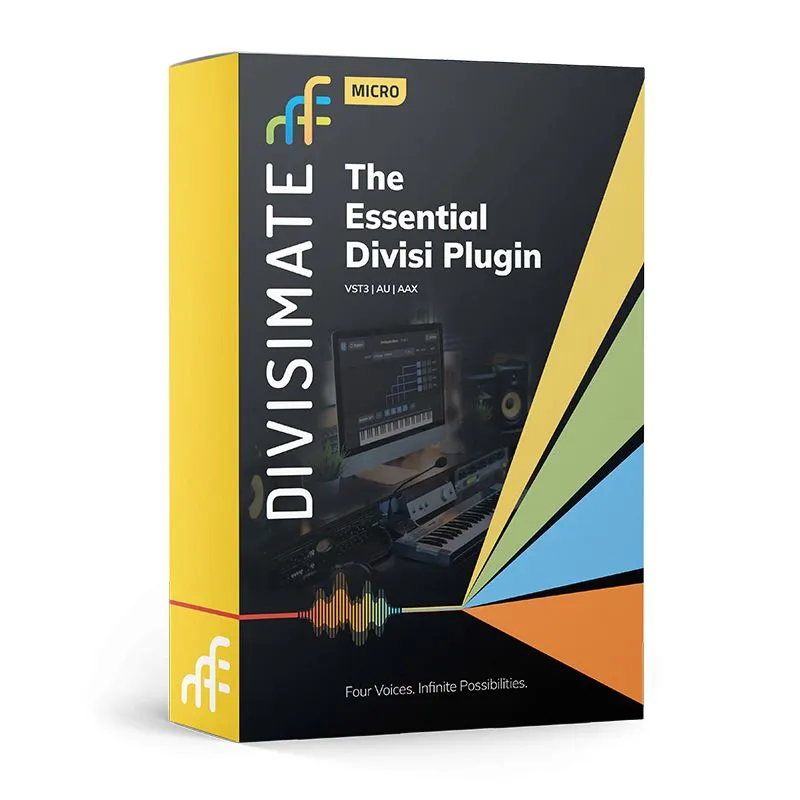
Divisimate Micro is a plugin that turns your virtual instruments into a playable ensemble. It splits up chords into individual musical voices and lets you route them to instrument tracks directly in your DAW. Play monophonic instruments in chords, build automatic voicings, and speed up your workflow with different instruments.
New Update! Divisimate Micro 1.1 Adds Plugin MIDI Out
Divisimate Micro 1.1 introduces Plugin MIDI Out, a powerful new option for routing that keeps everything fully contained within your DAW with no more reliance on virtual MIDI ports.* With this update, the previous limit of four instances is gone, meaning you can now run as many instances of Divisimate Micro as your template requires. This opens up a far more flexible way to build, expand, and manage orchestrations directly inside your DAW environment. The update is free for all current and future users, with DAW-specific setup guides available to get you started right away.
Compare Divisimate Options
| DIVISIMATE 2 | DIVISIMATE CORE | DIVISIMATE MICRO | |
| Standalone Software |
✔ |
||
| Plugin |
✔ |
✔ |
✔ |
| Direct Plugin Output |
✔ |
✔ |
|
| Virtual Ports | 32 Multitibral Ports | 16 Ports per Plugin / 32 Overall | 4 Single Ports per Plugin / 16 Overall |
| Voices | 8 | 8 | 4 |
| Divisi Modes | 3 | 3 | 3 |
| Low/Melody Ranges |
✔ |
✔ |
✔ |
| Transposer Plugin |
✔ |
✔ |
✔ (no scale lock) |
| Trigger Plugin |
✔ |
✔ |
✔ |
| Repeater Plugin |
✔ |
||
| Arpeggiator Plugin |
✔ |
✔ (basic mode only) |
|
| Transformer Plugin |
✔ |
||
| Humanization |
✔ (note and cc) |
✔ (note and cc) |
✔ (note only) |
| Remote App |
✔ |
||
| MIDI Remote |
✔ |
✔ |
|
| Perform Page |
✔ |
✔ |
|
| Multipads |
✔ |
||
| Preset Transitions |
✔ |
||
| Global Keyswitch Range |
✔ |
✔ |
|
| Price | $249 | $149 | $49 |
*Since Ableton Live does not yet support multi-channel MIDI output from plugins, the new Divisimate Micro 1.1 Plugin Out feature isn’t currently available in that DAW
The Essential Divisi Plugin
Play your Parts
Divisimate Micro connects to four MIDI ports that can be selected as input on instrument tracks in your DAW. Incoming notes are automatically distributed in real time and can then be recorded as individual parts on these tracks, allowing you to easily edit or change any part in the voicing. You can hear the different parts as you play live or perfect your arrangement by feeding pre-recorded MIDI into the plugin.
Realtime Divisi Engine
The centerpiece of Divisimate Micro is the Divisi Engine that splits up incoming chords in real time. You can select one of three different Divisi Modes to fit different musical situations. Choose how many voices you want to play and route the voices freely across the ports to build different combinations of instruments. You’ll be able to get your ideas and performance out quickly and easily.
Get Creative
Divisimate Micro’s different settings give you flexibility to move quickly and creatively.
● Transposer - Create open voicings from standard triads or double parts in octaves.
● Trigger - Change articulations or playing styles quickly.
● Key ranges - Play melody and bass lines independently from the Divisi Engine.
● Humanization engine - Adds a human touch to your parts.
Limitless Expression
Divisimate Micro is compatible with MPE (MIDI Polyphonic Expression) and will turn the polyphonic expression data into individual monophonic MIDI streams. This allows you to play non-MPE instruments with your MPE controller and bridge the gap between polyphonic expression and monophonic instruments.
Open the door to a whole new workflow
You can build your own personal workflow with Divisimate Micro. Create automated voicings, switch articulations and recall all your settings quickly using presets.
Use up to four instances with different settings at once, connecting to as many as 16 different ports. Divisimate Micro was designed to be a reliable companion in your composing and performing template.
Mac minimum system requirements*
- Intel Mac with macOS 10.11.X (El Capitan) or later
- Intel Quad Core processor
- 16GB RAM or more recommended
PC minimum system requirements*
- Intel/AMD PC Windows 10 Home, Pro and Enterprise 64-bit editions
- Intel Quad Core processor
- 16GB RAM or more recommended


You may also be interested in