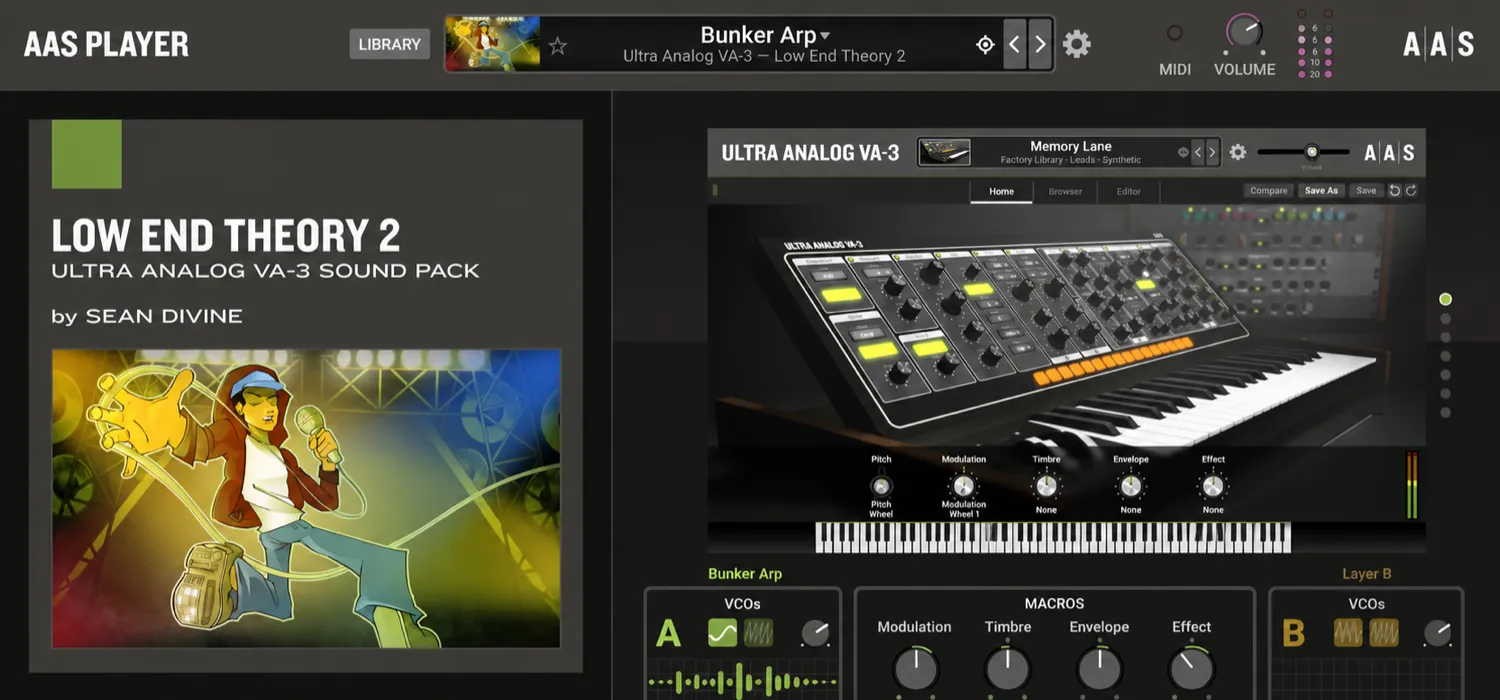
The newly redesigned AAS Player from Applied Acoustics Systems is a free virtual instrument with more than 650 Starter Presets. It also lets you play AAS sound packs you own without purchasing the corresponding full synthesizer.
Watch the New AAS Player in Action
Main AAS Player Features
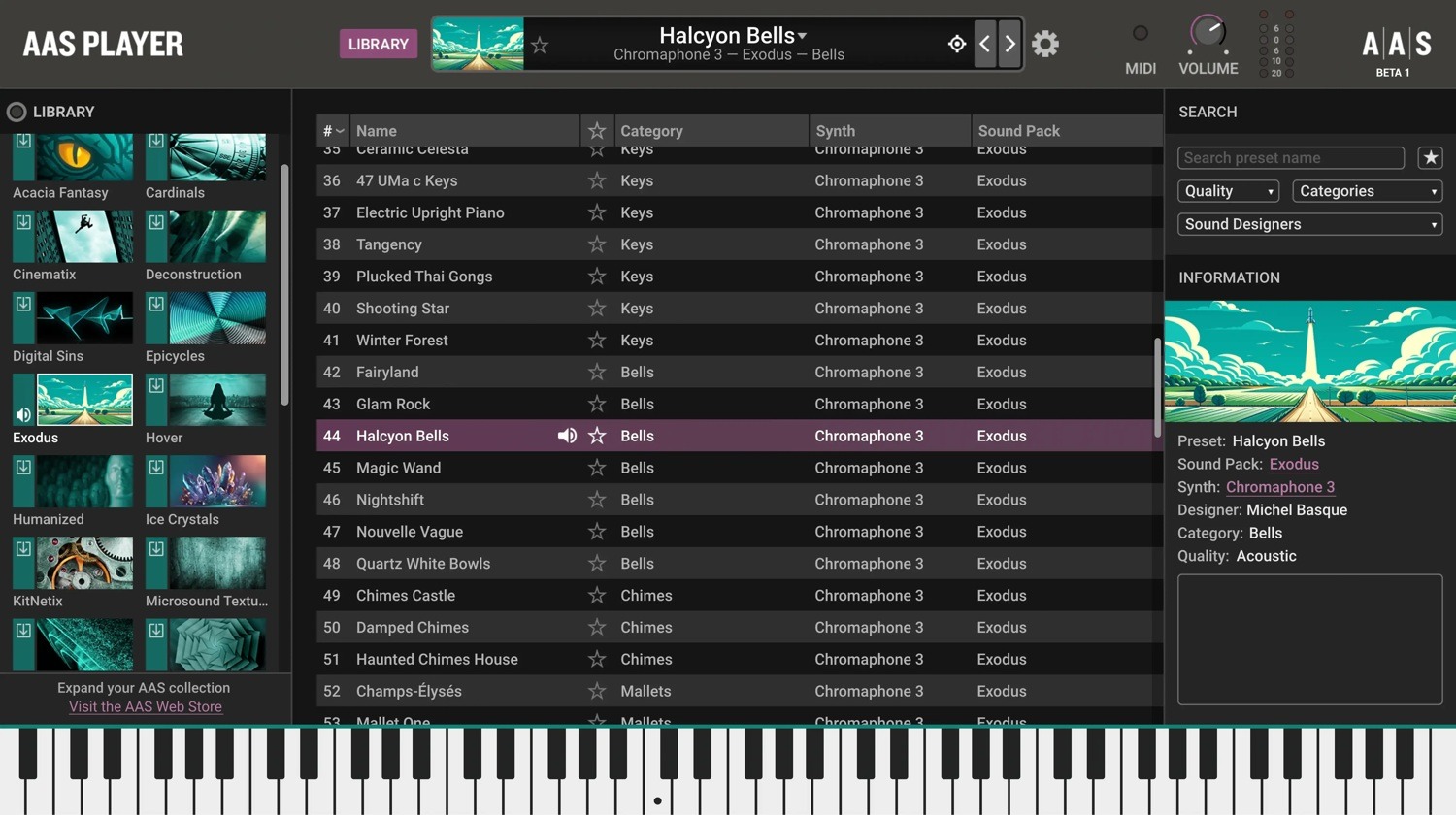
Browse: Choose a Starting Point
The redesigned browser brings your library into one view. For bells, mallets, and resonant textures, explore presets built on the Chromaphone 3 physical modeling synthesizer.
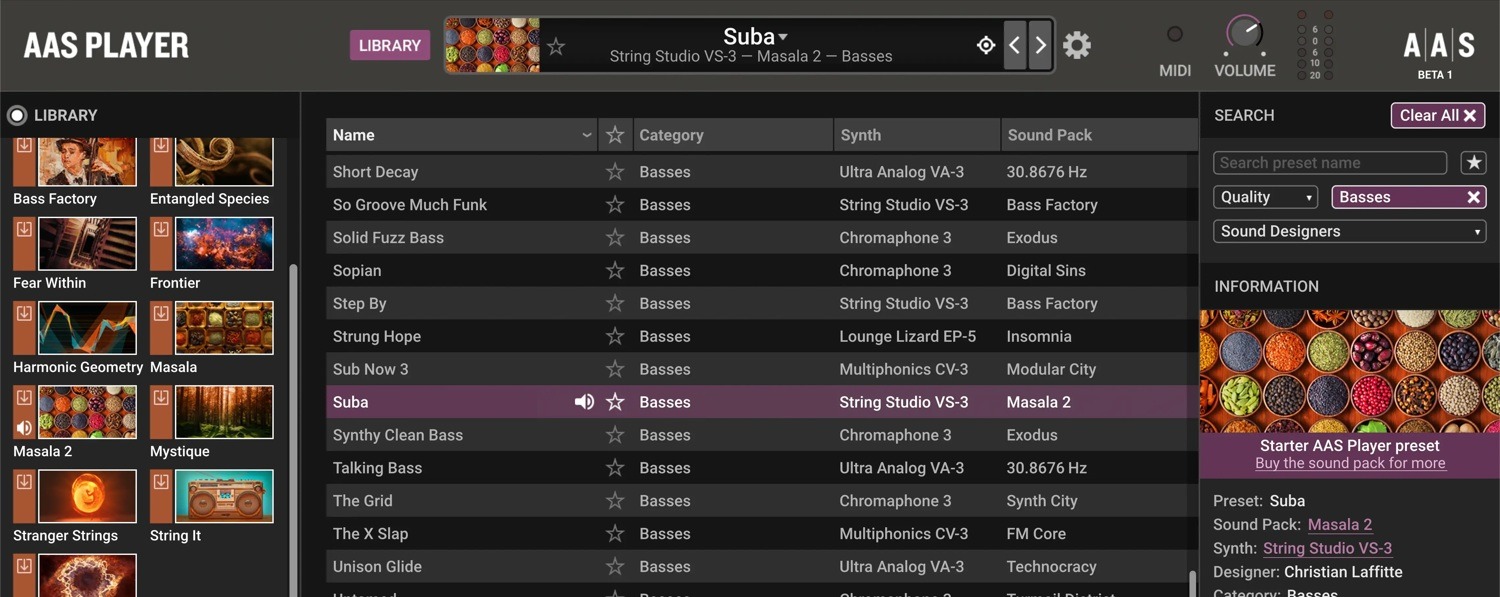
Search: Narrow the Choices
Search for a preset by name, or filter by category to focus on the sounds your part needs.
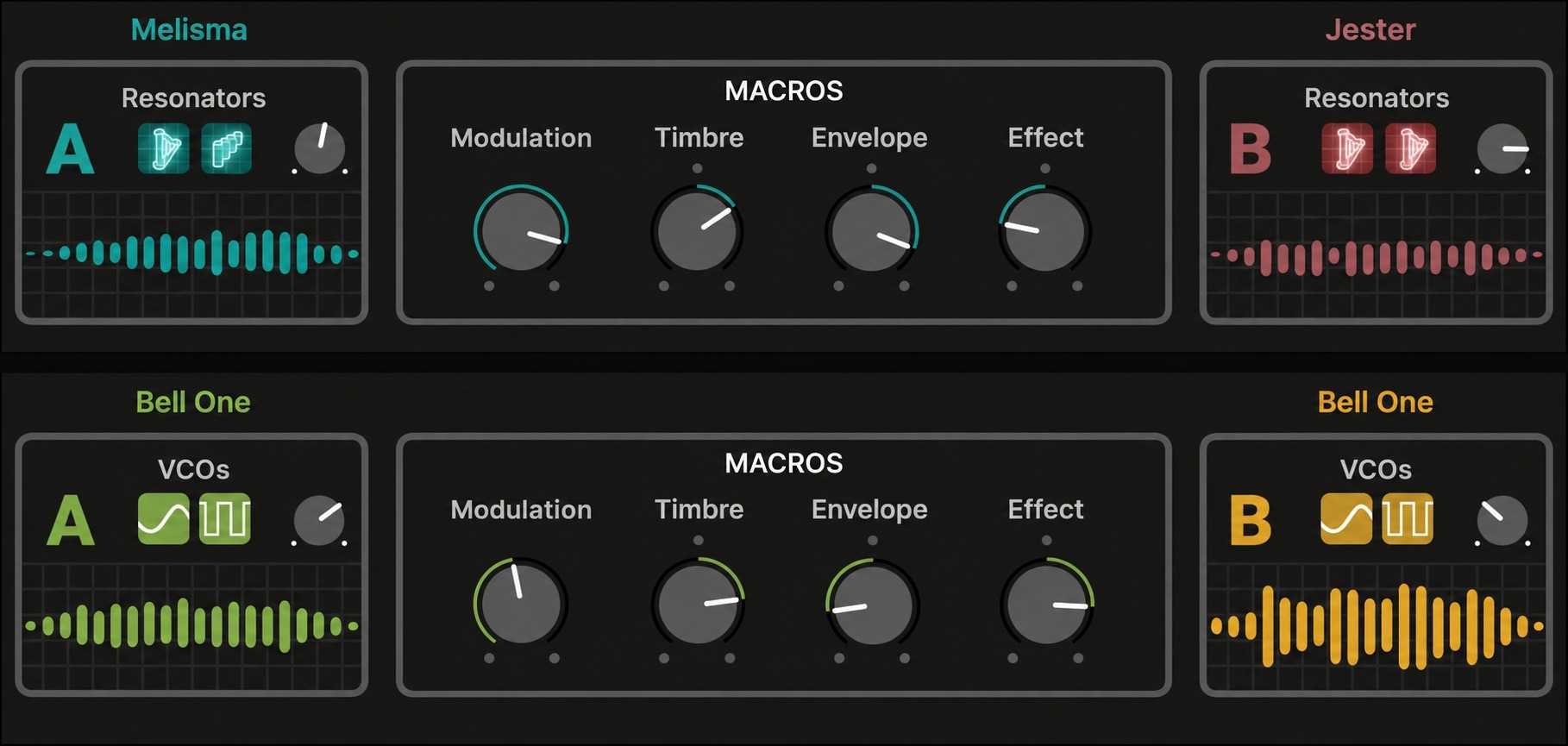
Shape: Adjust the Sound in Context
Use macros and key parameters to adjust a preset while you play. Available controls depend on the engine and preset.
Explore AAS Sound Packs and Pro Series Instruments
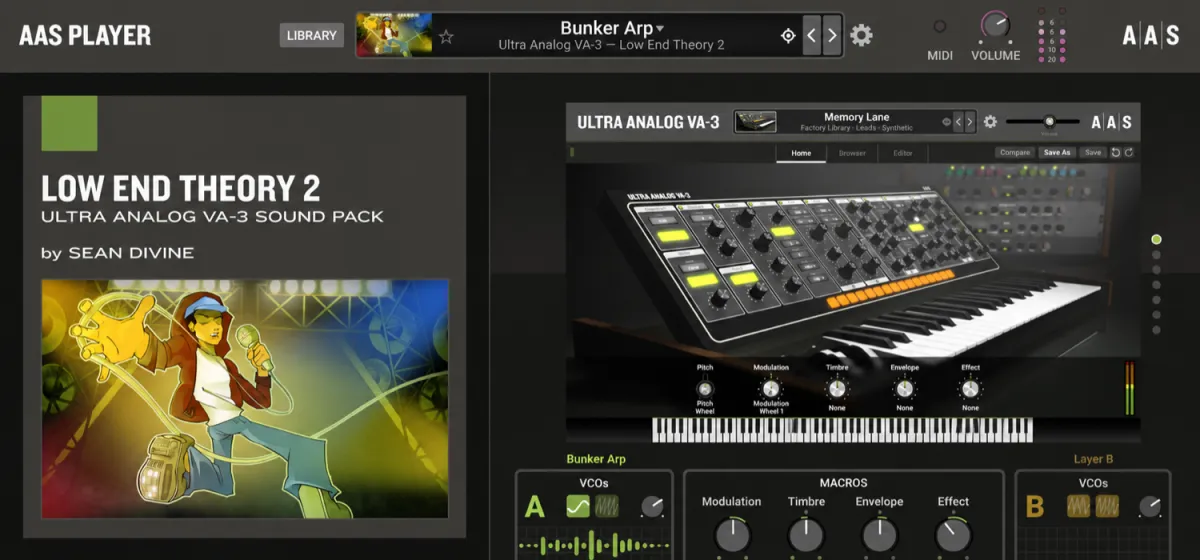
If you already own the Low End Theory 2 sound pack, try Sean Divine’s basses, leads, keys, pads, and drum sounds for hip-hop, trap, and electronic music. Sound packs such as Low End Theory 2 are sold separately from the Player’s included Starter Presets. Browse the AAS sound packs at ILIO and listen to the demos before choosing.
When you want to build and edit a sound in more detail, the Ultra Analog VA-3 virtual analog synthesizer gives you access to its oscillators, filters, envelopes, modulation, and effects.
For detailed control over an electric piano’s hammer and pickup response, explore the Lounge Lizard EP-5 electric piano plug-in. These are a few of the AAS Pro Series instruments available at ILIO. The full instruments are sold separately and provide more detailed sound design and editing.
Download AAS Player and Try It in Your Session
AAS Player runs on Windows and macOS as a standalone instrument or a 64-bit VST3, AU, or AAX Native plug-in. Check the current requirements on the AAS download page to confirm compatibility with your computer and DAW.
Download the Player from AAS, run the installer, and load it on an instrument track. If you already have AAS products, your AAS account and support resources can help you find installers for your registered products.